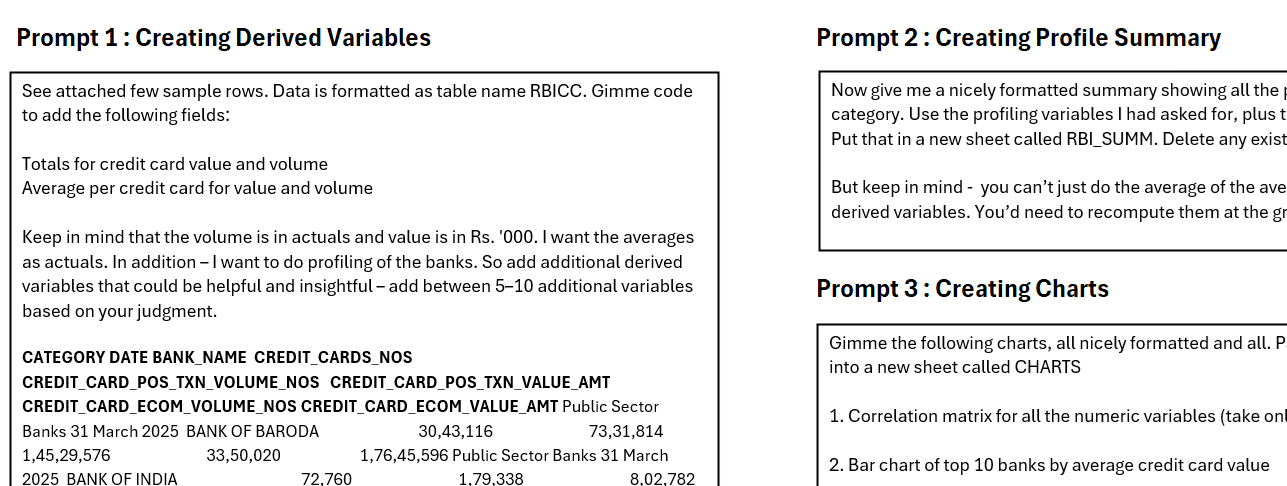
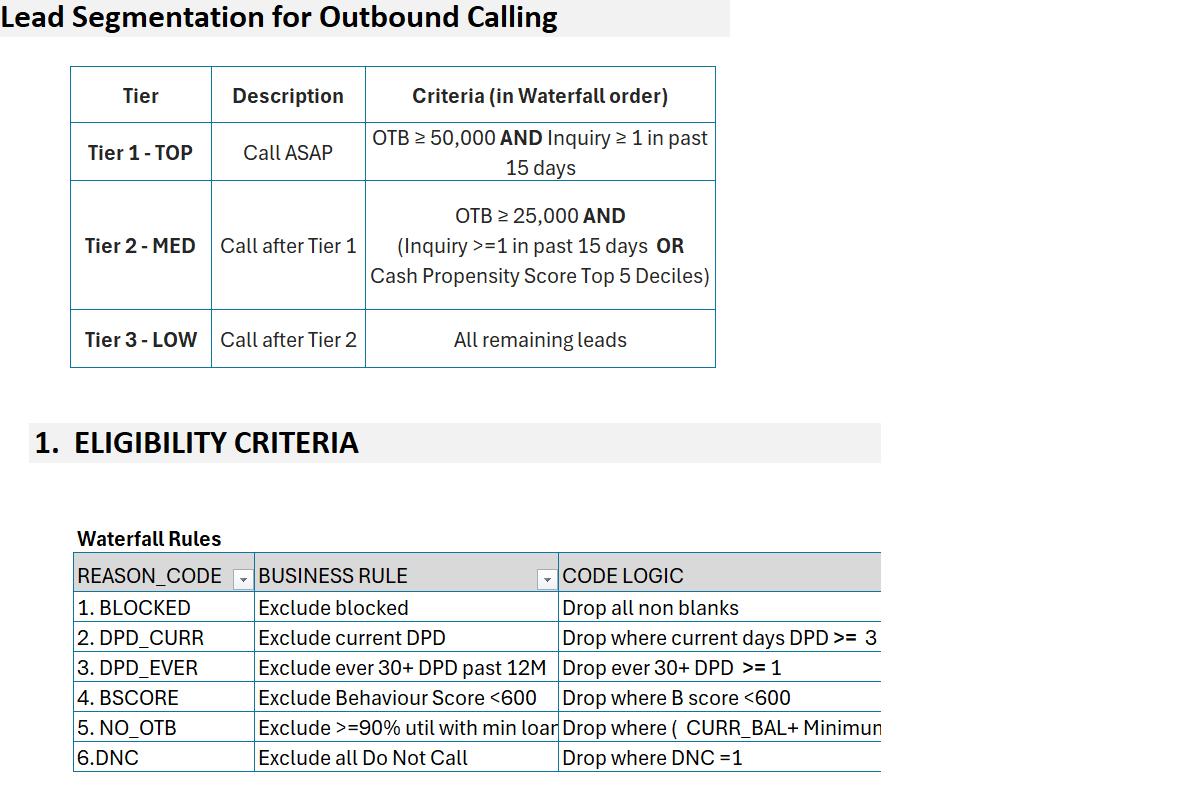
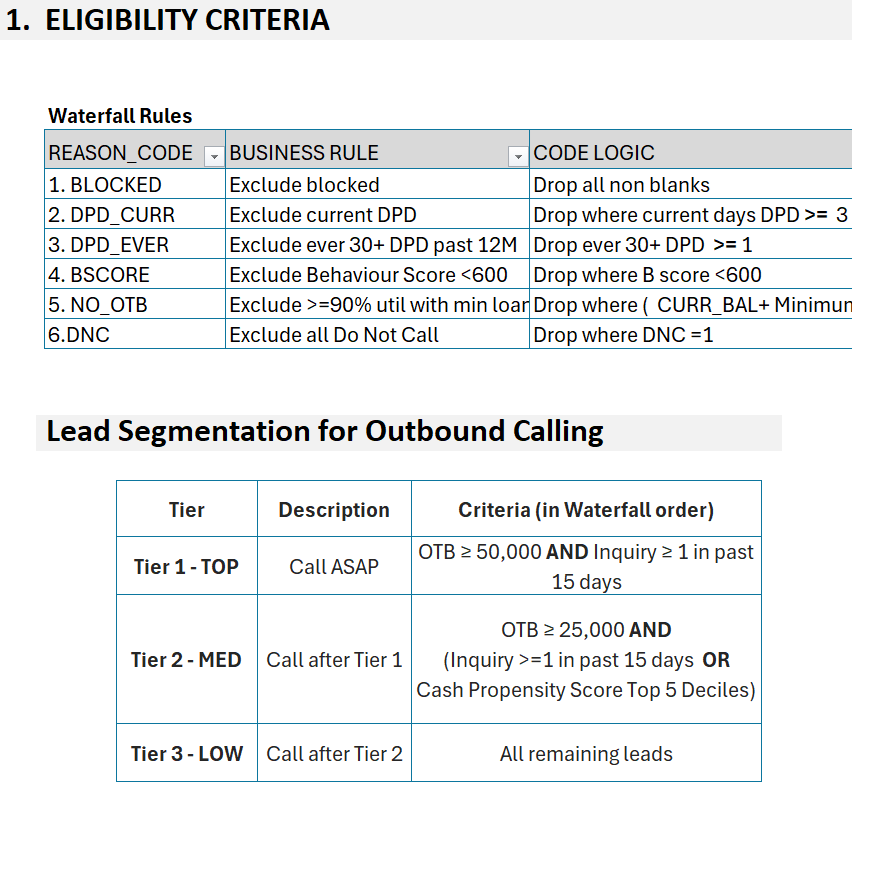
xlwings Lite: Practice Lab
Built on xlwings Lite, created by Felix Zumstein. Official resources:
Four ways to use AI with xlwings Lite
ChatGPT, Claude, Gemini or AI Studio. You paste your code into the chat and paste the new code back into xlwings Lite. It is free and works well for small scripts.
Claude Code, Cursor, Codex or Antigravity. The AI coder edits the script file directly. You paste it into xlwings Lite, run it and share any error back. This works better once a script grows to a few hundred lines.
The AI coder writes the code, runs it in your Excel, reads the output and errors, and fixes them on its own. You review the results and check the numbers. I use Claude Code for this. It needs desktop Excel on Windows and a one-time setup of about 10 minutes, described in section 17 of the AI Coder Instructions.
Built into the task pane. You type what you want; it writes the Python, runs it in your workbook and saves it as a script you can rerun without AI. It can also build a custom app page for your tool. It uses your own API key or a local model, with no setup. I found it very token efficient, so I expect to work this way more for regular tool builds. Wingman docs
AI Coder Instructions
- My personal rulebook for xlwings Lite - fed to the AI at the start of every session.
- Bridges the knowledge gap in LLMs about xlwings Lite's environment - includes 'Golden Rules', error patterns, proven code snippets, and best practices.
- Updated November 2026. Re-tested in Excel on the current xlwings Lite (add-in build 1.0.0.113, with the xlwings 0.37 Python package and pandas 3). It is not exhaustive: I keep adding to it as I build and test more tools. The version number is at the top of the file, so you can check whether your copy is current.
- Size: ~740 lines, ~12K tokens.
- Use it with options 1, 2 and 3 above. Wingman (option 4) does not need it: it comes with xlwings' own official instructions and skills built in.
This file is required for all modules.
Live apps
Working workbooks you can download and run. The Python is already in the file.
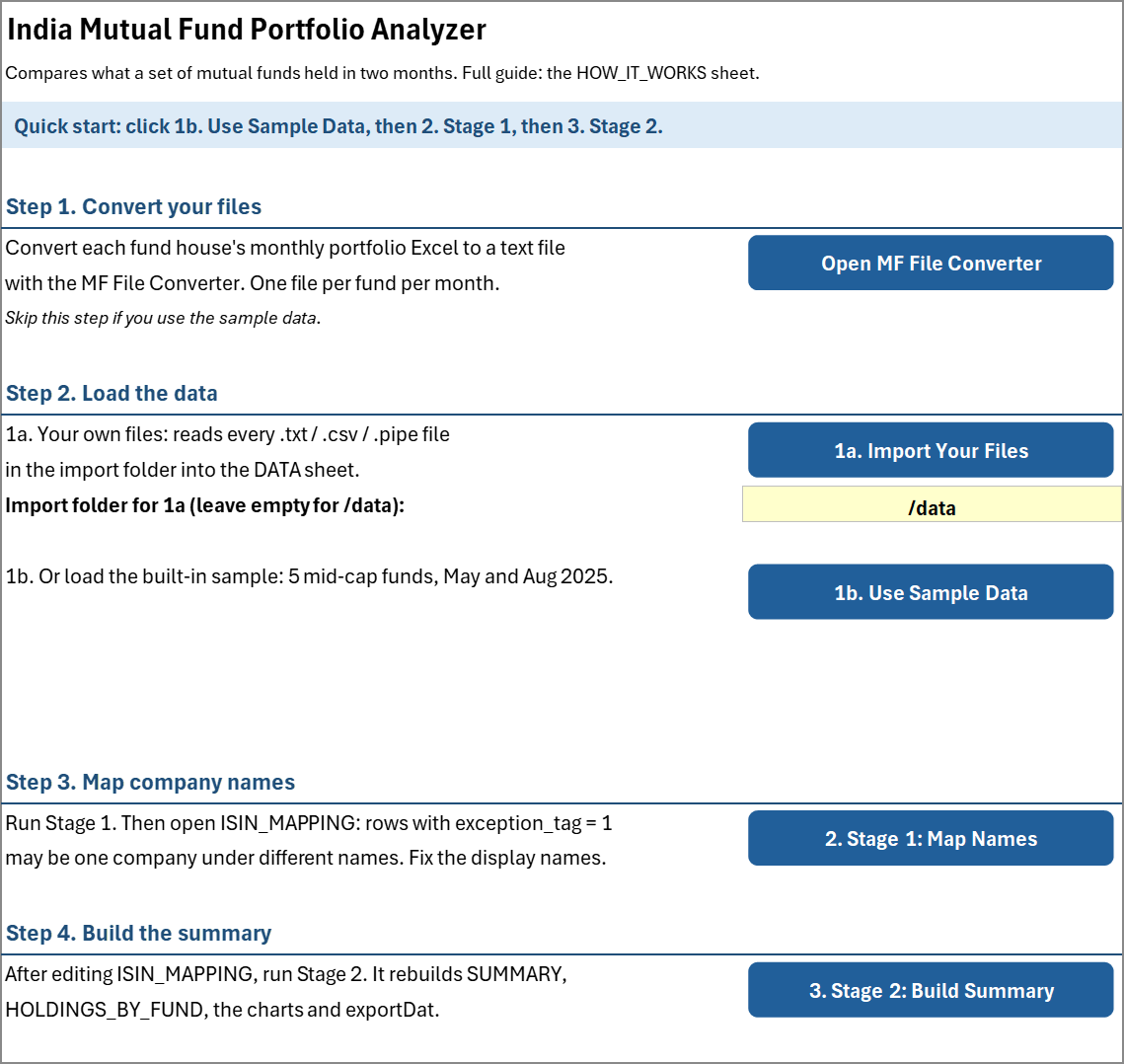

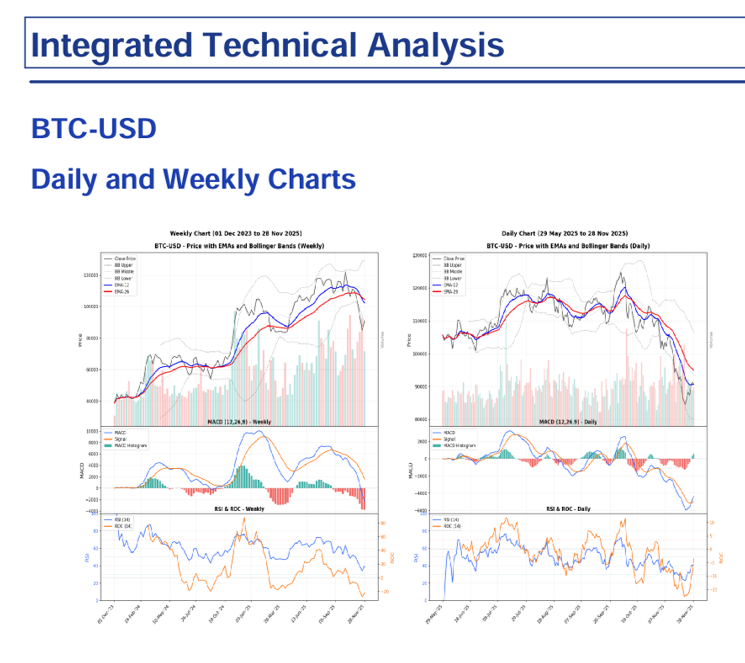
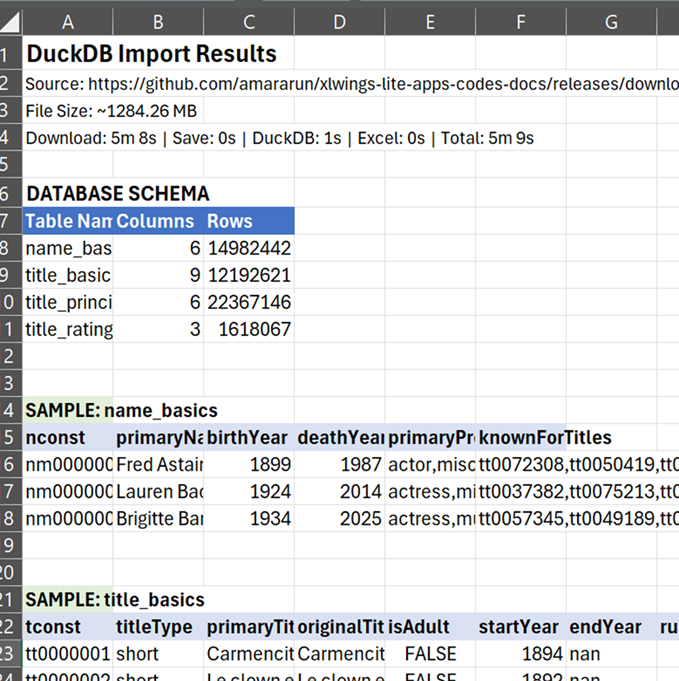
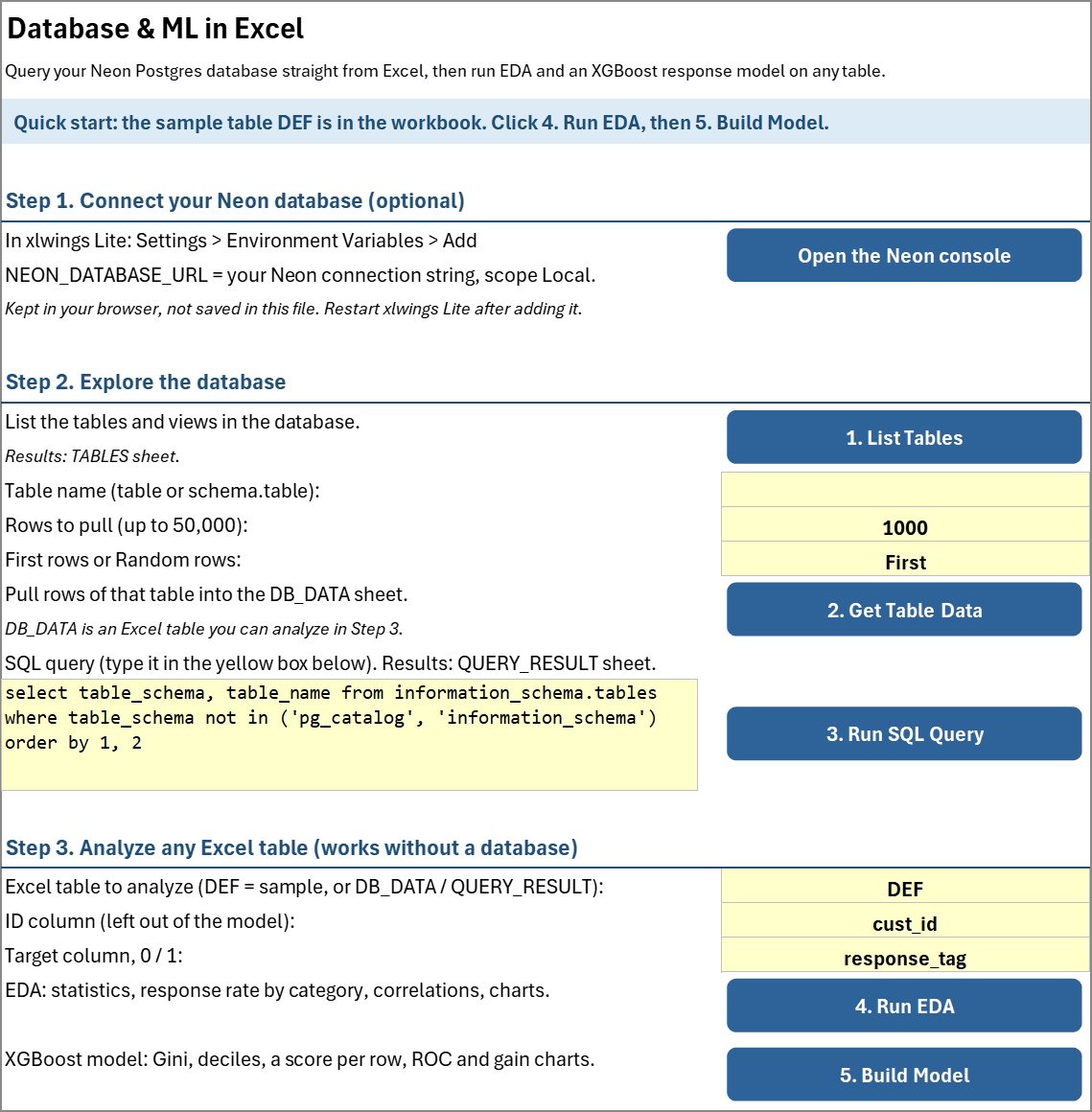
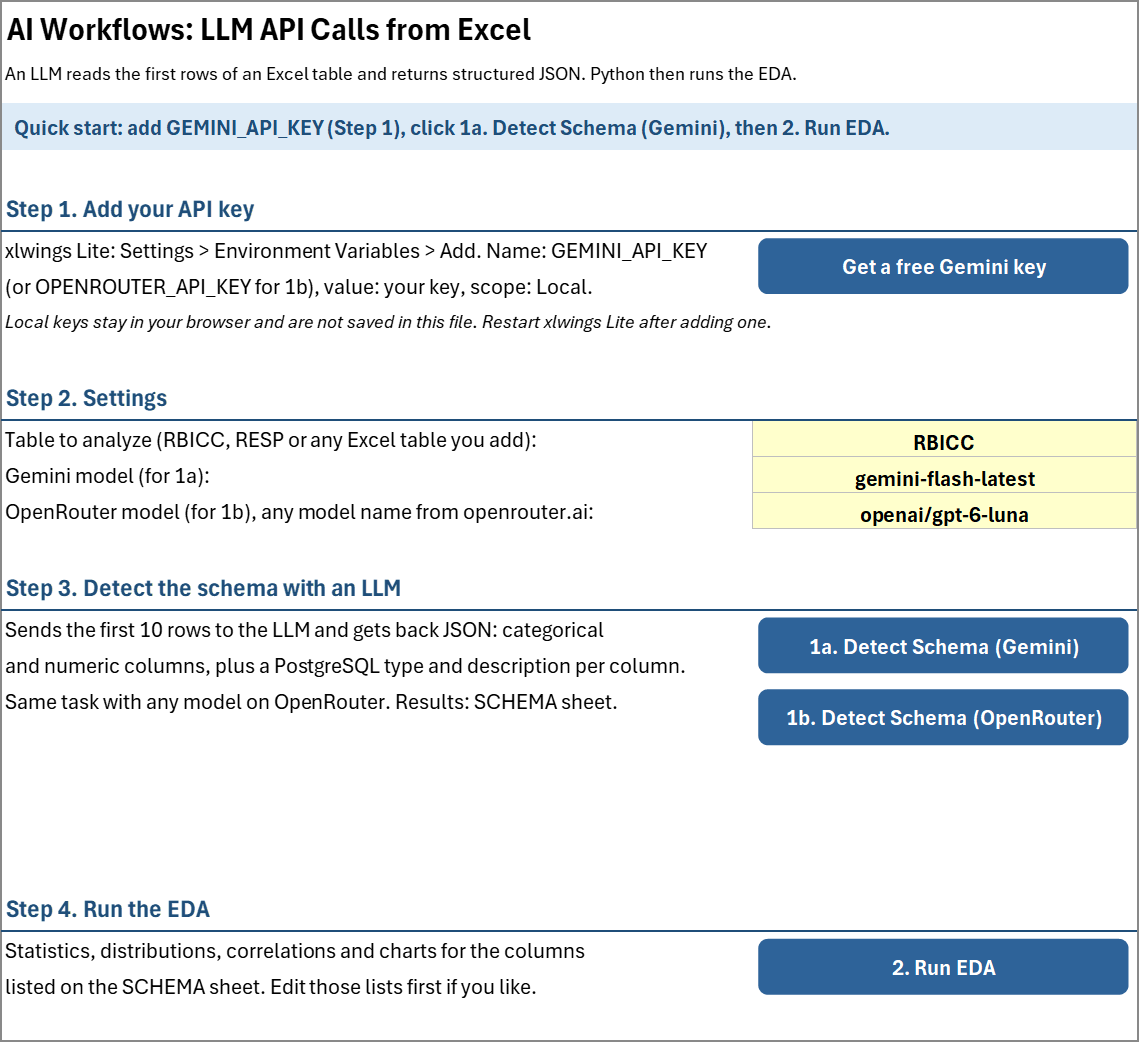

These tools have been built up over time and I update them as far as possible, but each one sits on top of parts that move on their own schedule: the xlwings Lite runtime, the APIs a tool calls, the third-party services behind those, and other reasons besides. So a tool that worked last month can throw an error today. It is usually a small fix. Copy the error and the tool's code into your AI along with the AI Coder Instructions file above, and that is normally enough to get it working again.
Practice kits and patterns
Practice kits come with a practice workbook to try with your AI and a completed workbook with the full working code. Patterns are worked examples with test data.